> ## Documentation Index
> Fetch the complete documentation index at: https://docs.hyperleap.ai/llms.txt
> Use this file to discover all available pages before exploring further.
# Introduction
> Hyperleap AI empowers businesses to build AI solutions across three powerful modes: Bot Studio for customer-facing chatbots, AI Studio for internal team productivity, and API Console for seamless AI integration into your products.
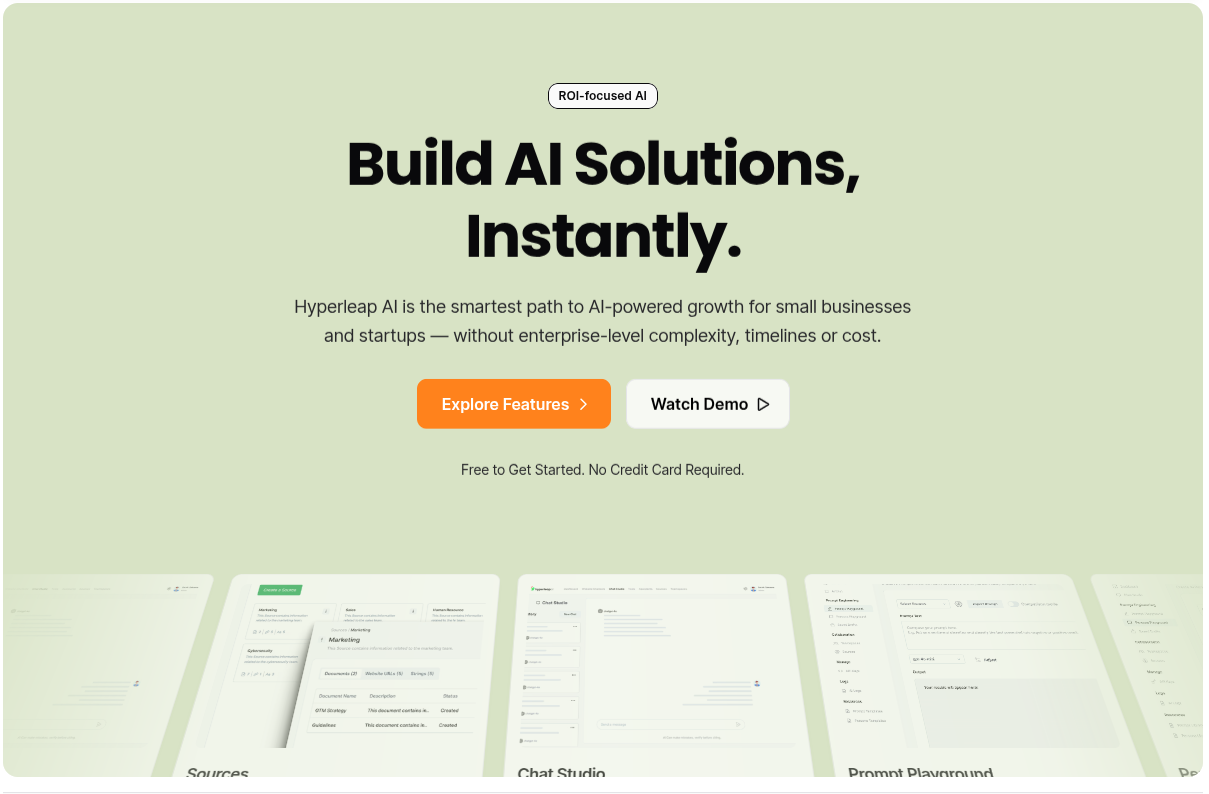 ## Build AI Solutions for Your Business
Hyperleap AI provides a complete platform for businesses to develop AI solutions across three distinct modes, each designed for specific use cases:
**Customer-Facing AI Chatbots**
Deploy fully customizable, 24/7 AI chatbots on your website and social channels. Capture leads, answer questions, and automate customer interactions with zero code required.
**Internal Team Productivity**
Empower your teams with AI Tools and AI Assistants that automate workflows from marketing to sales to operations. Choose from 500+ pre-built tools or create custom ones.
**Product Integration**
Integrate AI capabilities directly into your products using our REST APIs for Prompts and Personas. Build custom AI experiences with state management, versioning, and multi-model support.
## How It Works
All three modes are built on a unified foundation that makes your AI grounded in truth and company knowledge.
### Sources: The Foundation
Upload your business documents, web pages, and text snippets to create **Sources**. Each Source becomes a knowledge base that can be attached to any chatbot, tool, assistant, prompt, or persona across all three modes.
Our advanced Retrieval Augmented Generation (RAG) engine ensures your AI delivers accurate, contextually relevant responses based on your actual business information.
## Choose Your Path
### Bot Studio is for you
Perfect for businesses that want to:
* Automate customer service 24/7
* Capture and qualify leads automatically
* Deploy chatbots on website, Facebook, Instagram, and WhatsApp
* Customize branding to match your website perfectly
* Track conversations and gather customer insights
Set up your first AI chatbot in minutes
### AI Studio is for you
Perfect for businesses that want to:
* Automate repetitive business workflows
* Give teams AI-powered tools for their daily work
* Create custom AI assistants for specific departments
* Ground AI in company knowledge and documents
Browse 500+ pre-built tools or create your own
Deploy 150+ assistants or build custom ones
### API Console is for you
Perfect for developers who want to:
* Embed AI capabilities directly into applications
* Manage prompts and versioning centrally
* Build conversational AI with built-in state management
* Switch between OpenAI, Anthropic, and other models easily
Non-conversational AI for form-based workflows
Conversational AI with memory and state management
## Start Building Today
Jump into the Hyperleap AI Studio to start building your AI solutions
Explore the complete API reference for developers
## Build AI Solutions for Your Business
Hyperleap AI provides a complete platform for businesses to develop AI solutions across three distinct modes, each designed for specific use cases:
**Customer-Facing AI Chatbots**
Deploy fully customizable, 24/7 AI chatbots on your website and social channels. Capture leads, answer questions, and automate customer interactions with zero code required.
**Internal Team Productivity**
Empower your teams with AI Tools and AI Assistants that automate workflows from marketing to sales to operations. Choose from 500+ pre-built tools or create custom ones.
**Product Integration**
Integrate AI capabilities directly into your products using our REST APIs for Prompts and Personas. Build custom AI experiences with state management, versioning, and multi-model support.
## How It Works
All three modes are built on a unified foundation that makes your AI grounded in truth and company knowledge.
### Sources: The Foundation
Upload your business documents, web pages, and text snippets to create **Sources**. Each Source becomes a knowledge base that can be attached to any chatbot, tool, assistant, prompt, or persona across all three modes.
Our advanced Retrieval Augmented Generation (RAG) engine ensures your AI delivers accurate, contextually relevant responses based on your actual business information.
## Choose Your Path
### Bot Studio is for you
Perfect for businesses that want to:
* Automate customer service 24/7
* Capture and qualify leads automatically
* Deploy chatbots on website, Facebook, Instagram, and WhatsApp
* Customize branding to match your website perfectly
* Track conversations and gather customer insights
Set up your first AI chatbot in minutes
### AI Studio is for you
Perfect for businesses that want to:
* Automate repetitive business workflows
* Give teams AI-powered tools for their daily work
* Create custom AI assistants for specific departments
* Ground AI in company knowledge and documents
Browse 500+ pre-built tools or create your own
Deploy 150+ assistants or build custom ones
### API Console is for you
Perfect for developers who want to:
* Embed AI capabilities directly into applications
* Manage prompts and versioning centrally
* Build conversational AI with built-in state management
* Switch between OpenAI, Anthropic, and other models easily
Non-conversational AI for form-based workflows
Conversational AI with memory and state management
## Start Building Today
Jump into the Hyperleap AI Studio to start building your AI solutions
Explore the complete API reference for developers